
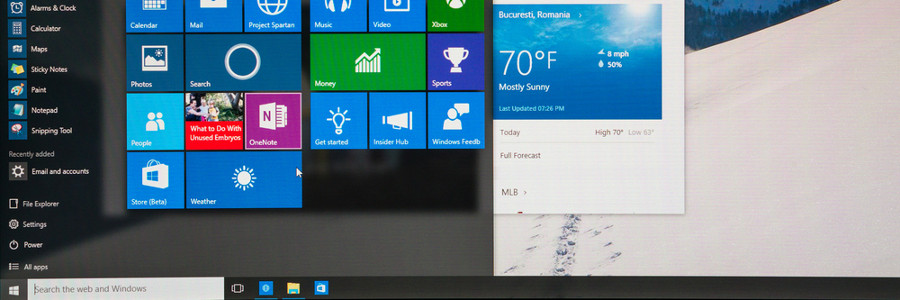
You log into your PC and you’re greeted by an incredibly plain desktop background and an equally drab Start Menu. Suddenly, a notification goes off and tells you that an application you barely use is ready for an update. Sounds like a nightmare, doesn’t it? If you want your desktop to look or behave a certain way, try out these tips to personalize your Windows 10 experience.
Customize your Windows 10 experience
4 BYOD security risks you should prepare for

Personal computing is with us wherever we go. Thanks to the rise of the mobile industry, smartphones and tablets allow us to take work home with us. And with the bring your own device (BYOD) strategy, businesses have never been so productive. However, BYOD can pose a number of security risks if you’re not careful.
How business continuity plans can fail

Just because your IT provider has a plethora of awards and certifications under its belt doesn’t mean that you can blindly hand over your business’s future to them. Often times, there are some aspects in your business continuity plan that tend to be overlooked by your provider.
Ways to handle virtualization security risks

Online blogs and forums mostly cover networks and the cloud when it comes to cybersecurity, leaving other types of technology -- particularly virtualization -- overlooked and unsecured. If you don’t have the right defense plans in place, your business will be vulnerable to all types of cyberthreats.
7 tips to increased retweets

Managing your company’s Twitter account can be tricky. You might have a lot of brilliant things to say in under 140 characters, but they’re useless if nobody reads them. So what can you do to get more people viewing and retweeting your posts? Here are a few tricks you can use to get more retweets.
How to make the most of Microsoft Word

Microsoft Word has become the go-to word processor for businesses big and small. It is used by every department and almost every type of personnel, but its constant updates and huge number of features mean there are lots of functions unknown to most users.
Keep your Windows 10 computer fast with these tips

Do you want your Windows 10 computer to run faster without spending on accessories? These tips will help give your machine a speed boost while keeping it safe from system and performance issues.
Prevent programs from launching at startup
Windows loads several programs at startup so they’re quickly available.
New Spectre-style attack discovered
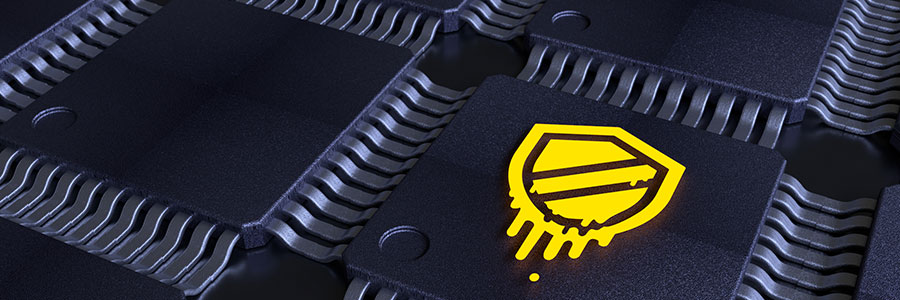
Security experts are constantly discovering new potential threats, and quite recently, they’ve found a new type of Spectre-style attack more dangerous than the original. Here’s a quick rundown of the new Spectre variant.
Spectre 101
For those who don’t know, Spectre is a vulnerability in modern computer chips like Intel and AMD that allows hackers to steal confidential information stored in an application’s memory, including passwords, instant messages, and emails.
Learn the basics of EHR hardware

Ease of access, legibility, and accuracy are key considerations when maintaining health records, especially to ensure compliance with industry regulations. With an EHR system, navigating through patients’ entire medical histories has become much more convenient and secure.
Why businesses need web monitoring

The internet is indispensable for improving business productivity, but it’s also an outlet for procrastination. With unfettered access to the internet, it’s easy to stray away from your important work responsibilities. Fortunately, web monitoring can ensure your employees don’t overuse non-work-related sites.